


Broker type
Forex Brokers
Manage clients, accounts and IBs from one dashboard.
Clients here. IBs there. Accounts somewhere else. Broking Bridge connects it all into one platform your whole team can run.
Broking Bridge is forex CRM software designed to bring client management, trading-account administration, IB operations and brokerage reporting into one connected workflow. Explore how the platform fits your brokerage setup with a product demo.
“Unclear Lead Ownership?”
Nobody knows
“Manual IB Commissions?”
Someone starts digging
“Late Reports?”
Three tabs later, still no answer
“Data Never Matches?”
Someone builds it by hand
These aren’t people’s problems. They’re gap problems. Broking Bridge closes them.
Broking Bridge is a CRM for forex brokers that connects clients, IBs, trading accounts and reports on one platform.
Forex CRM software helps brokerage teams manage client onboarding, KYC workflows, trading accounts, introducing brokers and operational reporting. Unlike a general-purpose CRM, a brokerage-focused system can connect these processes with supported trading-platform and payment integrations, depending on your enabled integrations and configured permissions.
Explore the modulesBroker type
Manage clients, accounts and IBs from one dashboard.
Broker type
Follow client requests, account records and funding activity without extra tabs.

Broker type
Move new users from sign-up to KYC review and account approval.
Broker type
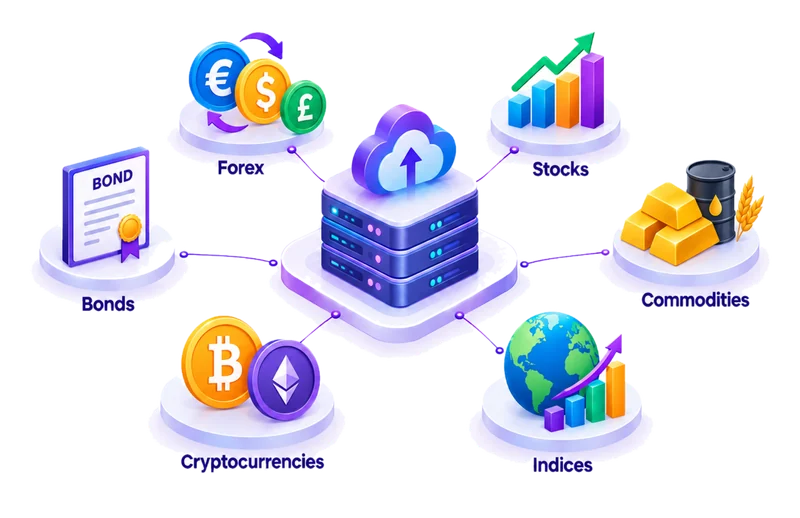
Handle clients across asset classes with one set of workflows.
Client Management
Review new users, check KYC submissions and approve account requests from one list. Each client moves from registration to KYC review to account request, so pending work is easy to see.
IB and Partner Management
Review partner applications and organize multi-level IB hierarchies. Referrals are attributed to the right partner. Commissions are calculated, approved, then paid as separate steps, with rules confirmed during setup. This keeps commission records easy to trace.
Trading Account Management
Open, approve, transfer and archive trading accounts in your CRM. Each request moves from approval to status tracking, and archived accounts stay in a separate list. Transfer scope depends on your setup.
Back Office Workflows
Handle deposits, withdrawals and transfers through an approval flow. Each request is reviewed, then approved or rejected, and the decision is recorded beside the client’s data.
Reporting and Analytics
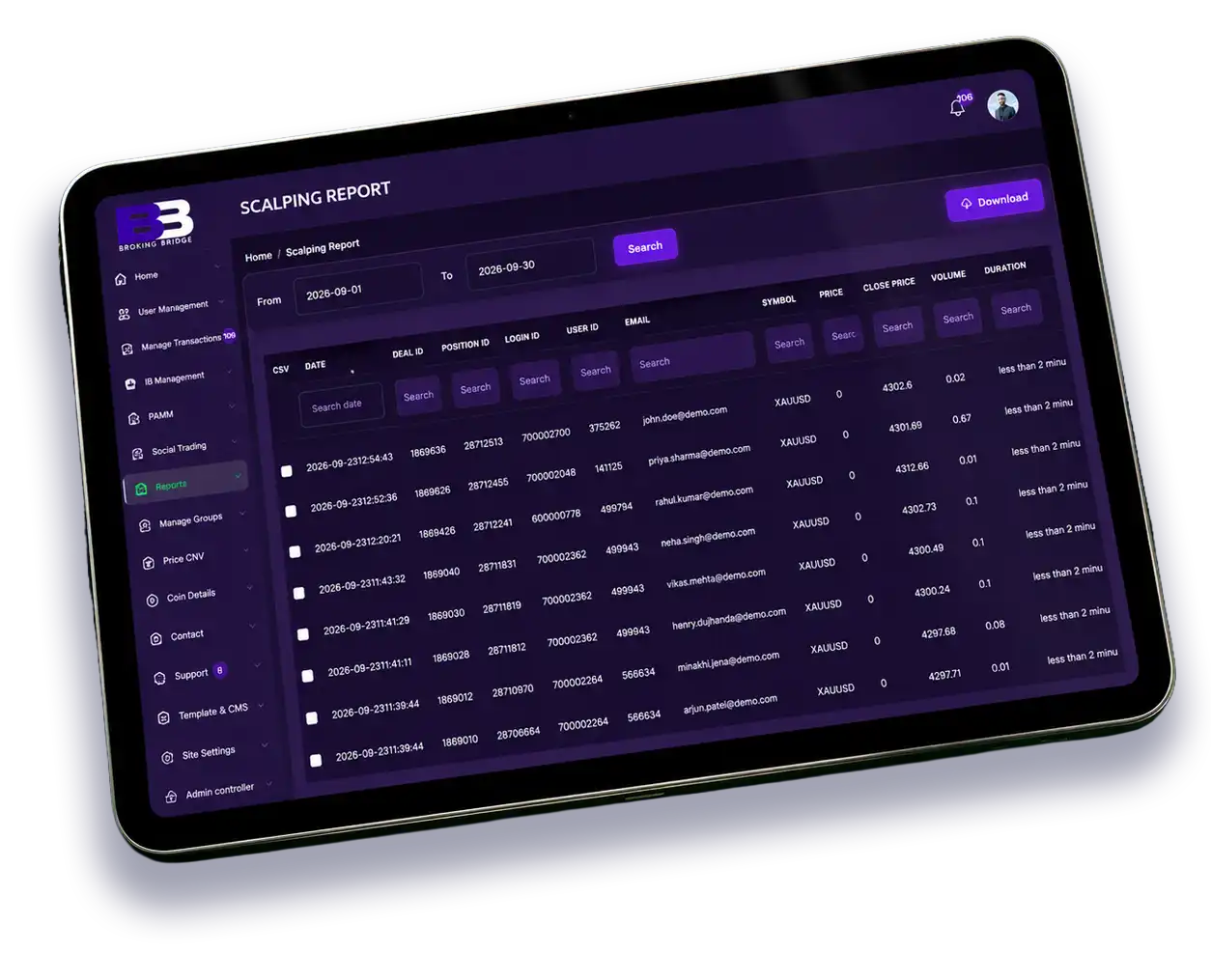
Use reports on funding, IBs, PAMM, social trading and scalping. Reports come from your CRM records, and you can filter them. Filter options, date ranges and export formats depend on the report.
Centralized records help authorized teams review related client, account and partner information without searching across disconnected systems. The actual workflow depends on enabled integrations and configured permissions.
Your team, partners and clients each get their own space, all working from shared records.

For brokerage staff
Manage users and KYC, handle requests, approve deposits and withdrawals, and read reports. Staff see clients, accounts, funding requests and IB data according to the permissions you set.

For introducing brokers and partners
View multi-level IB structures, referrals, commission and rebate records, and the live network. Partners see their own referred clients, accounts and commissions; visibility depends on your settings.

For clients
Access trading accounts, submit funding requests and use supported investment tools. Copy Trading, Social Trading and PAMM are separate tools with different operating models, so availability depends on your enabled modules.

Broking Bridge connects with MT4 and MT5 so client and trading-account records stay aligned with your trading platform.
Supported actions may include account creation, status changes, balance updates and trading data, depending on your server setup. Sync method and timing are confirmed during the technical review.
Set Leverage For Each Client Account Separately, So Every Account Follows Your Rules, Your Risk Limits, And Your Business Needs.
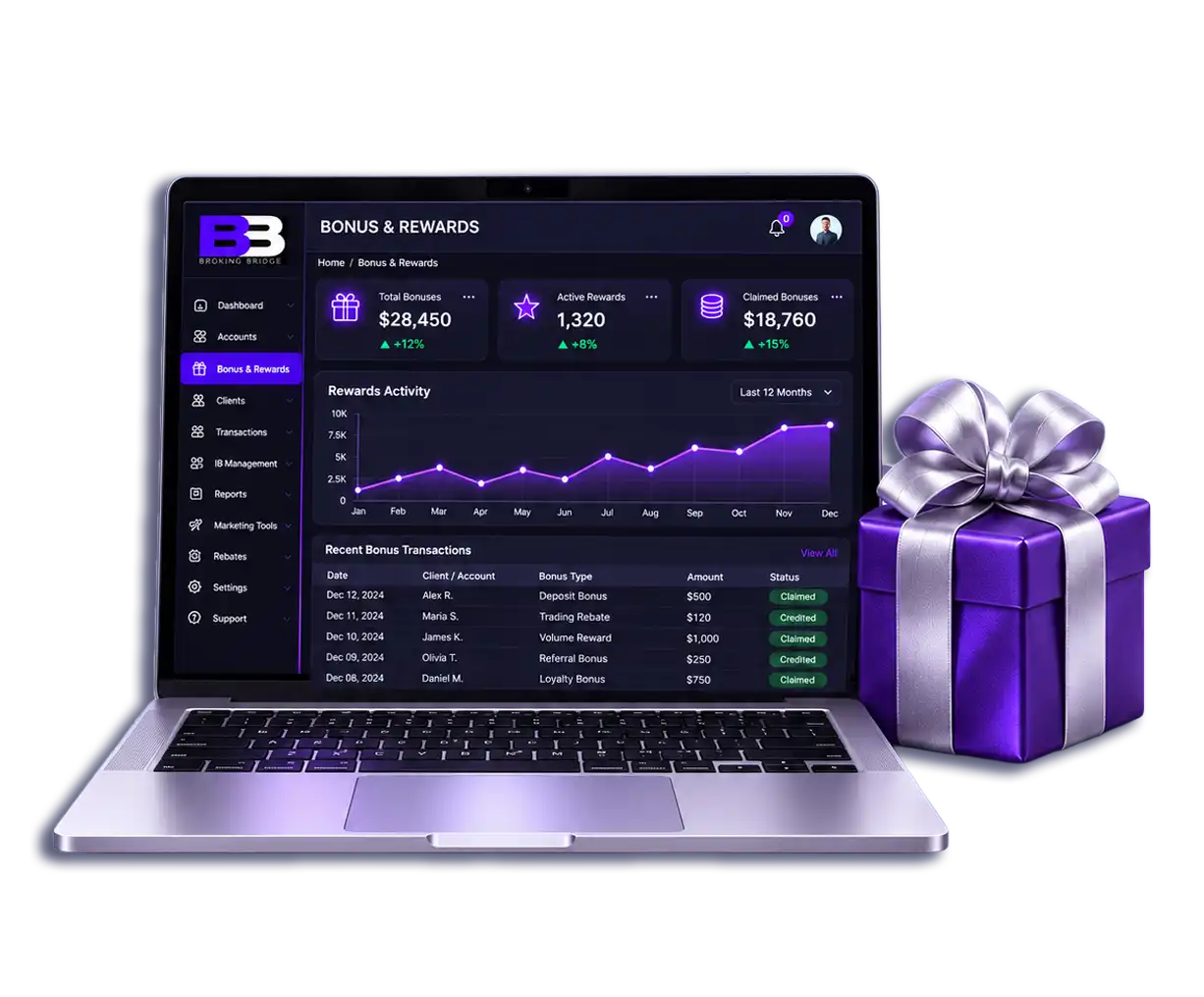
Run Acquisition And Retention Bonus Programs To Win New Clients, Reward Loyal Ones, And Keep Them Active For Much Longer.
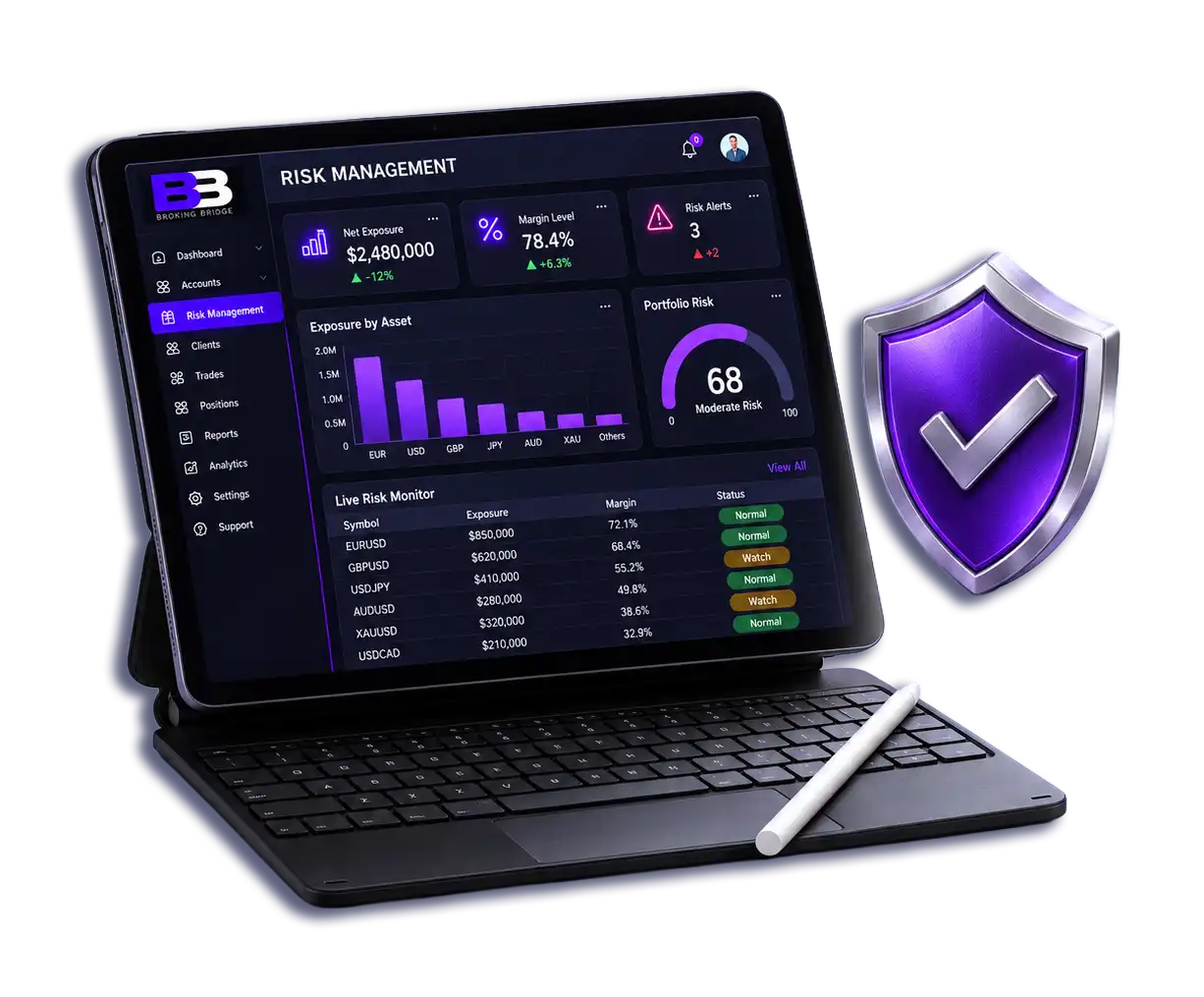
Watch Your Exposure Closely, Spot Risks Early, And Act Fast Before Small Problems Turn Into Big Losses For Your Brokerage.
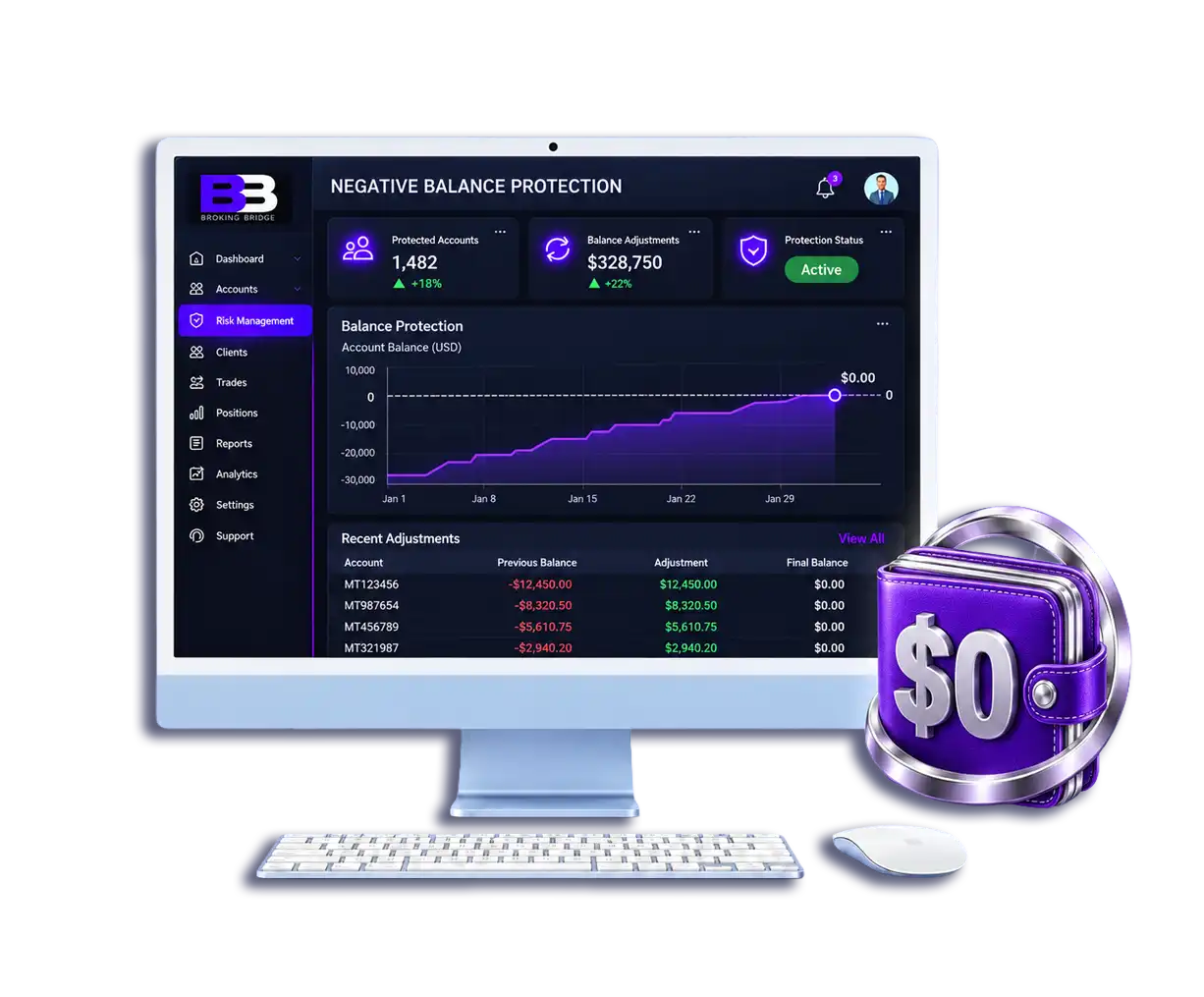
Supports Setups That Help Keep Client Balances From Falling Below Zero. Conditions Depend On Your Broker Policy And Platform Setup.
Broking Bridge includes two-factor authentication and login history, so unusual sign-in activity can be reviewed by your team. Staff permissions are configured per team during setup. KYC, account requests and funding requests go through defined approval flows, and each decision is recorded against the client. Archived accounts are kept apart from active ones.
Exact coverage, such as who can use 2FA, how much login detail is stored, audit logs and data handling, depends on your configuration. We walk through these controls in the demo, and you should review them with your own compliance team.

Initial client onboarding and account setup.

Growing client records and operational coordination.

Partner hierarchy and commission reporting.

Funding requests, approvals and management reporting.
Not sure where you fit? Book a demo and we’ll check the platform against your setup.
Built around brokerage workflows (clients, KYC, IBs, funding, PAMM and social trading), not a generic CRM with a forex label.
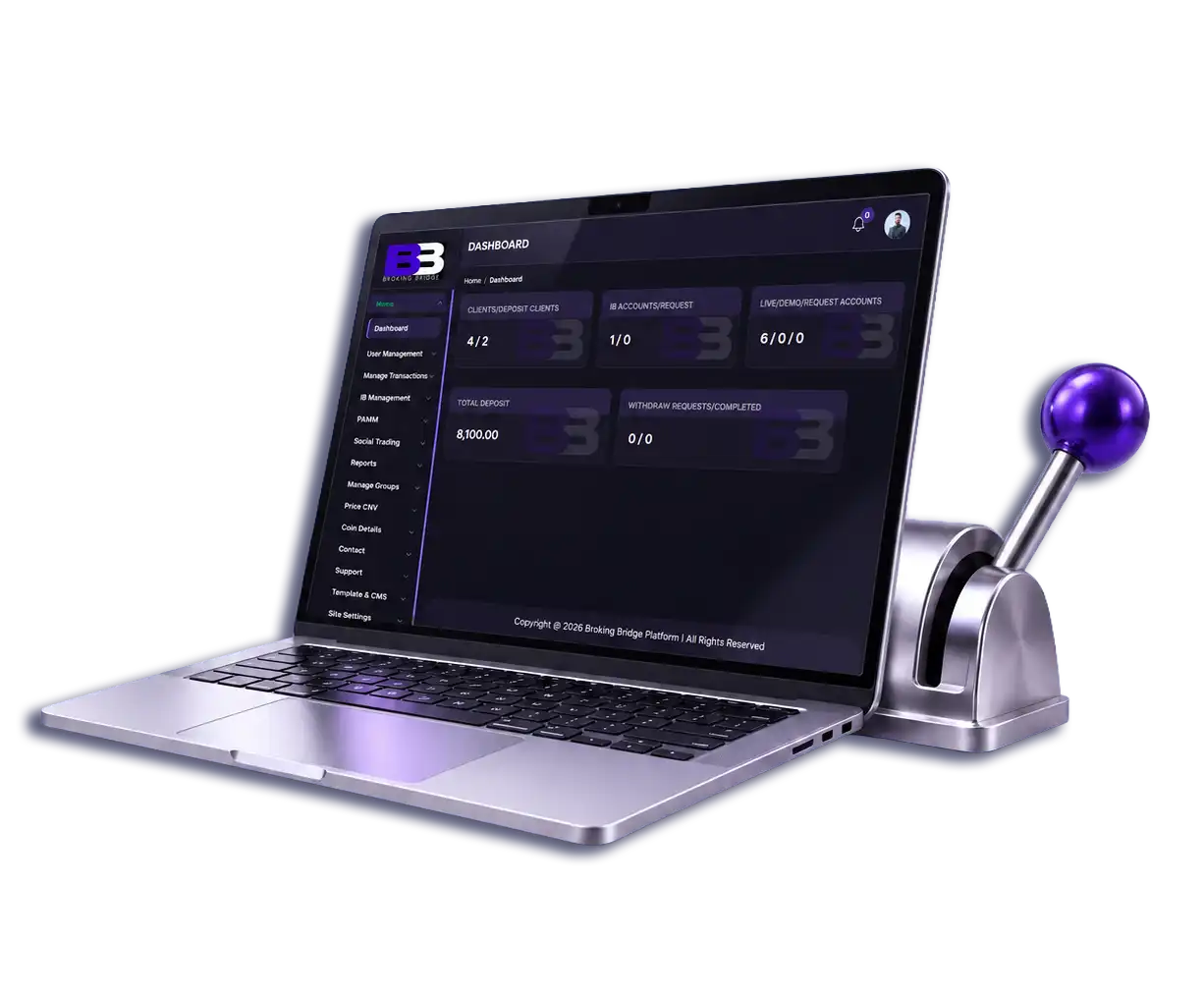
Clients, IBs, accounts and operations share connected records, visible in the three panels.
We configure the platform around your workflow, with scope agreed before launch.
Support from the first demo to go-live, through the channels in your plan. Ask us for the supported integration list during your demo.
We show it in your use case.
Platforms, payments and IB structure.
We build around your workflow, then run integration testing and acceptance checks with your team.
Your team gets onboarding and go-live support.
Software that helps a brokerage manage leads, clients, KYC, trading accounts, IBs, funding requests and reporting in one place instead of across separate tools.
Yes. It connects with both, so client and trading-account records stay aligned with your platform. The exact actions and data synced are confirmed in the demo.
Yes. Approve IB requests, track referrals and review commission records alongside clients and accounts. Calculation, approval and payout rules are confirmed during setup.
Payments stay simple and organized. Every funding request is recorded in the CRM with a clear status, so your team always knows where it stands. The final confirmation comes from your connected payment provider.
Yes, safety comes first. You decide who can view, edit, or export client and IB data, so the right people get the right access. Your team stays in control at every step.
We map your platforms, payments and IB structure, configure and test with your team, then support onboarding and go-live.
One platform. See how client, IB and account workflows fit your brokerage setup.
